


Reliable IT support for businesses with 15+ employees across Rockville and the DMV, guided by experts who actually know their stuff.
Enjoy your first month free with zero onboarding fees.
Multi-factor authentication (MFA) is now a must-have for businesses that want to keep their data safe and avoid costly breaches. If you’re responsible for IT or security, understanding how MFA works and why it matters can help you protect your company from cybercriminals. In this blog, you’ll learn what MFA is, how it improves authentication, the different authentication methods available, and practical steps for rolling it out. We’ll also cover common challenges, best practices, and answer the questions businesses like yours ask most. Expect to see real-world examples, tips on choosing the right authentication factor, and insights into the latest trends like passwordless login and artificial intelligence in security.
Multi-factor authentication (MFA) is a security process that requires users to provide two or more pieces of evidence, or factors, to verify their identity before they can access an account or system. These factors typically include something you know (like a password), something you have (such as a mobile phone or security key), and something you are (like a fingerprint or facial recognition). By combining multiple authentication factors, MFA makes it much harder for cybercriminals to gain unauthorized access—even if they manage to steal a password.
For businesses, MFA is a practical way to reduce the risk of data breaches, phishing attacks, and unauthorized logins. It’s especially important for protecting sensitive information and meeting compliance requirements. With more employees working remotely and using online accounts, MFA helps ensure that only authorized users can access company systems, even if a username and password are compromised.
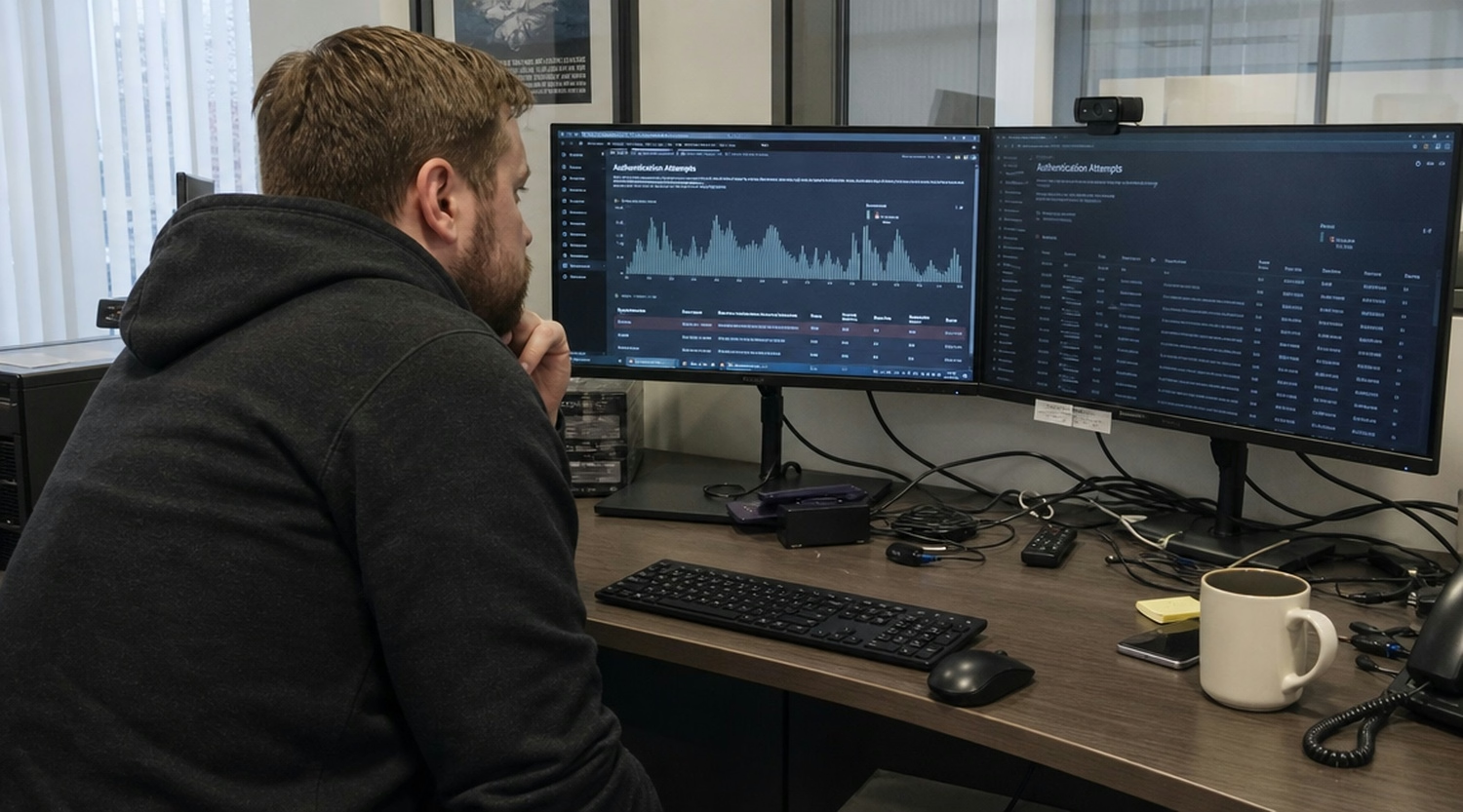
Even with the best intentions, businesses can make mistakes when setting up or managing MFA. Here are some common pitfalls and how to avoid them:
Many companies use SMS codes as a second factor, but these can be intercepted by attackers using SIM swapping or phishing. Instead, consider using an authenticator app or security key for stronger protection.
Leaving MFA as an option for executives or IT staff can expose your most sensitive data to risk. Require MFA for all users, especially those with access to critical systems.
MFA helps, but employees still need to recognize phishing attempts. Train your team to spot suspicious emails and avoid sharing authentication codes or tokens.
Some forms of authentication, like security questions, are easy to guess or find online. Choose stronger factors, such as biometrics or hardware tokens, to improve security.
Technology changes quickly. Regularly review and update your authentication system to include new, more secure options like passwordless login or adaptive authentication.
If MFA is too complicated, employees may look for ways around it. Balance security with ease of use by choosing methods that fit your team’s workflow, such as mobile app notifications or biometric authentication.
Set up alerts for unusual login attempts or multiple authentication failures. This helps you spot and respond to potential attacks quickly.
Adding MFA to your authentication process brings several important advantages:
Choosing the right authentication factor is crucial for a strong MFA setup. Each factor offers different levels of security and convenience. The three main types are knowledge (something you know), possession (something you have), and inherence (something you are). For example, a password is a knowledge factor, a mobile phone or security key is a possession factor, and a fingerprint is an inherence factor.
Businesses should consider the sensitivity of the data they are protecting and the needs of their employees. For highly sensitive systems, combining a password with a biometric factor or a physical device offers stronger protection. For less critical systems, a password and a one-time passcode from an authenticator app may be enough. It’s also important to think about how easy it is for employees to use the chosen authentication method, as this affects adoption and compliance.
There are several authentication methods you can use with MFA. Here’s a breakdown of the most common options and how they function:
Passwords are the most familiar authentication method, but they are also the most vulnerable. Adding a one-time passcode (OTP) sent to a mobile device or generated by an authenticator app increases security.
Security keys are small hardware devices that plug into a computer or connect via Bluetooth. They provide a strong possession factor and are resistant to phishing.
Biometric methods use unique physical traits, like fingerprints or facial recognition, to verify identity. These are hard to fake and convenient for users.
Authenticator apps generate time-based codes that change every 30 seconds. They are more secure than SMS codes and don’t rely on a phone signal.
Some systems send a code via SMS or email. While convenient, these methods are less secure and should be used with caution.
Adaptive authentication uses risk-based analysis to decide when to ask for extra verification. For example, it may require more factors if a login attempt comes from a new device or location.
Passwordless methods use biometrics, security keys, or mobile apps to verify identity without a password. This approach reduces the risk of password-related breaches.

A good MFA system should include these important features:
Artificial intelligence (AI) is making MFA smarter and more adaptive. AI-powered systems can analyze user behavior, device information, and location data to detect unusual activity. For example, if someone tries to log in from a new country or at an odd time, the system can require extra verification or block the attempt.
Machine learning helps MFA systems learn what normal behavior looks like for each user, making it easier to spot and stop cybercriminals. AI can also automate responses to threats, such as locking accounts or sending alerts. As MFA technology evolves, expect to see more use of AI to balance security with convenience, reducing false alarms and making authentication faster for legitimate users.
Rolling out MFA doesn’t have to be complicated. Here are some steps to make the process smoother:
While MFA is effective, businesses may face some challenges. Here’s how to address them:
Are you a business with 15-200 employees looking to strengthen your security? As your company grows, protecting sensitive data and ensuring only authorized users can access your systems becomes even more important. Our team understands the unique challenges that growing businesses face when it comes to authentication and access management.
We help you choose, implement, and manage the right multi-factor authentication (MFA) solution for your needs. Whether you need advice on authentication methods, help with employee training, or ongoing support, Guru Consult is here to make your MFA rollout smooth and effective. Contact us today to get started.
Authentication is the process of confirming a user’s identity, while verification checks the specific factors used during login. For example, entering a password is authentication, but entering a code from a token is verification of a second factor. Using both steps together makes it much harder for cybercriminals to gain access.
Verification can include something you know, have, or are—like a password, a mobile app, or a fingerprint. By combining these, multi-factor authentication (MFA) strengthens your authentication system and helps prevent unauthorized access.
2FA, or two-factor authentication, uses two different authentication factors, such as a password and a security key. It’s a simple form of MFA, but not as strong as using three or more factors. Multifactor authentication adds extra layers, making it even harder for attackers to break in.
While 2FA is a great start, businesses should consider more advanced MFA options, especially for sensitive accounts. Adding a biometric or a physical device can provide better protection against phishing and data breaches.
Examples of multi-factor authentication include using a password plus a fingerprint scan, a security key with a passcode, or a mobile app that generates one-time codes. These methods combine something you know, have, or are.
Other options include adaptive authentication, which adjusts security requirements based on risk, and passwordless authentication, which skips passwords entirely in favor of biometrics or hardware tokens. Each method offers different levels of security and convenience.
Adaptive MFA uses risk-based analysis to decide when to require extra authentication steps. This helps balance security and convenience, so users aren’t always asked for more verification unless something seems suspicious.
For example, if a login attempt comes from a new device or location, adaptive MFA might ask for a second factor. This approach helps protect against phishing attacks and unauthorized access without slowing down regular users.
Artificial intelligence can analyze login patterns, device details, and user behavior to spot unusual activity. If the system detects something odd, it can trigger extra authentication steps or block the login attempt.
Machine learning helps MFA systems get smarter over time, making it easier to catch cybercriminals while reducing false alarms. AI-powered authentication methods are becoming more common in business security.
If an employee loses their mobile phone or security key, have a clear recovery process in place. This might include backup codes, a secondary authentication method, or help from IT support.
Make sure employees know how to report lost devices quickly. Regularly review and update your policies to keep your authentication system secure and minimize downtime.

Jason Huebner is the President of GURU and an eleven-year veteran of the company, having risen through the ranks by consistently delivering results and building strong relationships.
Reliable IT support for businesses with 15+ employees across Rockville and the DMV, guided by experts who actually know their stuff.
Enjoy your first month free with zero onboarding fees.