
Reliable IT support for businesses with 15+ employees across Rockville and the DMV, guided by experts who actually know their stuff.
Enjoy your first month free with zero onboarding fees.
Email security is important for every business that relies on digital communication. If you use email to share sensitive data or connect with clients, you need to know how to protect your email system from threats. In this blog, you’ll learn about the different types of email, common email attacks, and the best ways to keep your business safe. We’ll also cover email security solutions, practical steps for advanced email protection, and how to boost your security posture with reliable email security services and security awareness.
Email security means using security measures to protect your business email accounts, email messages, and the data you send via email. It helps prevent unauthorized access, data loss, and attacks like phishing or spam email. Without proper protection, your business could face data breaches, business email compromise, and even legal trouble if sensitive data is leaked.
Most email threats target employees through malicious email content or fake email addresses. Attackers use these methods to steal information or install malicious software. That’s why security teams must focus on both technology and training to enhance email security posture. Reliable email security services and solutions can help you stay ahead of evolving threats and keep your business running smoothly.

Even with good intentions, many businesses make mistakes that leave them open to email attacks. Here are the most common issues and how to avoid them:
Phishing attacks trick users into sharing passwords or clicking dangerous links. If you don’t train your team to spot these scams, your email account could be at risk. Regular security awareness training is key.
Some companies skip basic steps like using strong passwords or enabling two-factor authentication. These simple actions can protect email accounts from being hacked.
Relying only on built-in email protection isn’t enough. Advanced email protection tools and professional email security services can block threats before they reach your inbox.
Failing to update security settings or ignoring software updates leaves gaps in your defenses. Always keep your email system and security tools up to date.
Not all businesses need the same level of protection. Assess your risks and choose the right email security solution for your needs.
Missing features like email encryption or advanced spam filters can expose your business to data leaks and malware. Review your current setup to find and fix any weaknesses.
Remote workers often use unsecured networks. Make sure your email protection covers all devices and locations to keep your data safe.
To keep your business safe, look for these features in any advanced email protection solution:
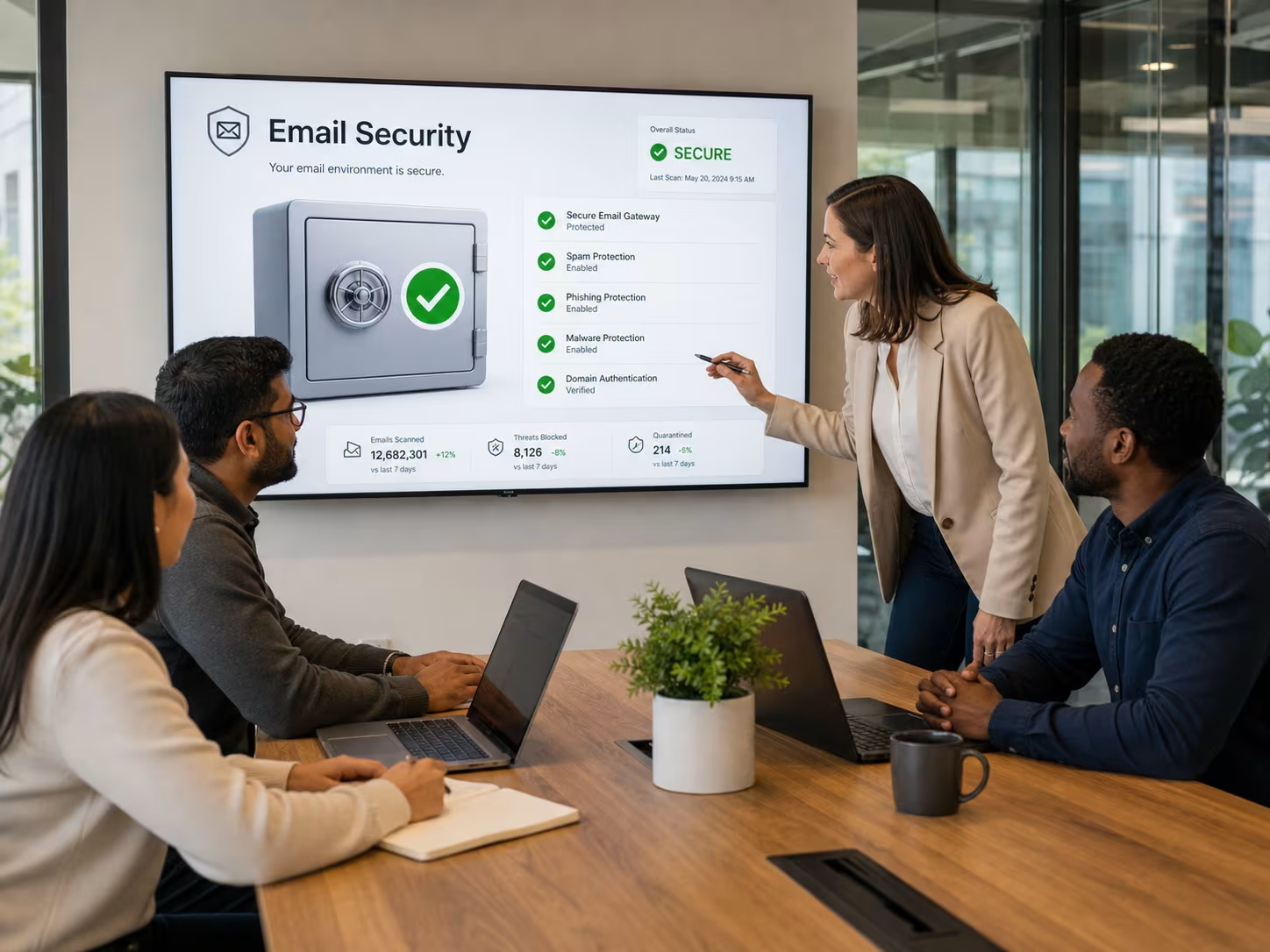
Managing your email accounts carefully is a big part of keeping your business safe. By controlling who has access to each account and monitoring email traffic, you can spot unusual activity early. This helps prevent business email compromise and keeps your sensitive data secure.
Cloud email security solutions make it easier to manage accounts, especially for growing businesses. These tools let you set security policies, track email data, and respond quickly to threats. With the right setup, your security teams can focus on bigger risks instead of chasing small issues.
Improving your email security posture takes more than just installing software. Here are the key steps to build a stronger defense:
Start by reviewing your existing email gateways and security tools. Identify any gaps or outdated systems that could put your data at risk.
Employees are often the first line of defense. Regular training helps them spot email threats and avoid falling for scams.
Use modern tools that offer real-time scanning, email encryption, and threat intelligence. These features help block attacks before they cause harm.
Keep an eye on email data and look for unusual patterns. Automated alerts can help you respond quickly to suspicious activity.
As threats change, so should your security policies. Review and update your rules to match new risks and business needs.
Partnering with experts gives you access to the latest technology and support. This can make a big difference in your overall security posture.
Putting strong email protection in place doesn’t have to be complicated. Start by choosing reliable systems that fit your business size and needs. Make sure your security involves both technology and clear policies for employees.
Next, test your setup regularly. Simulate email attacks to see how your team responds and where you can improve. Finally, keep communication open between security teams and other departments so everyone knows how to report suspicious email messages or activity. This teamwork helps you stay one step ahead of attackers.
Follow these best practices to keep your business safe:
Staying proactive with these steps will help you protect your business from evolving threats.
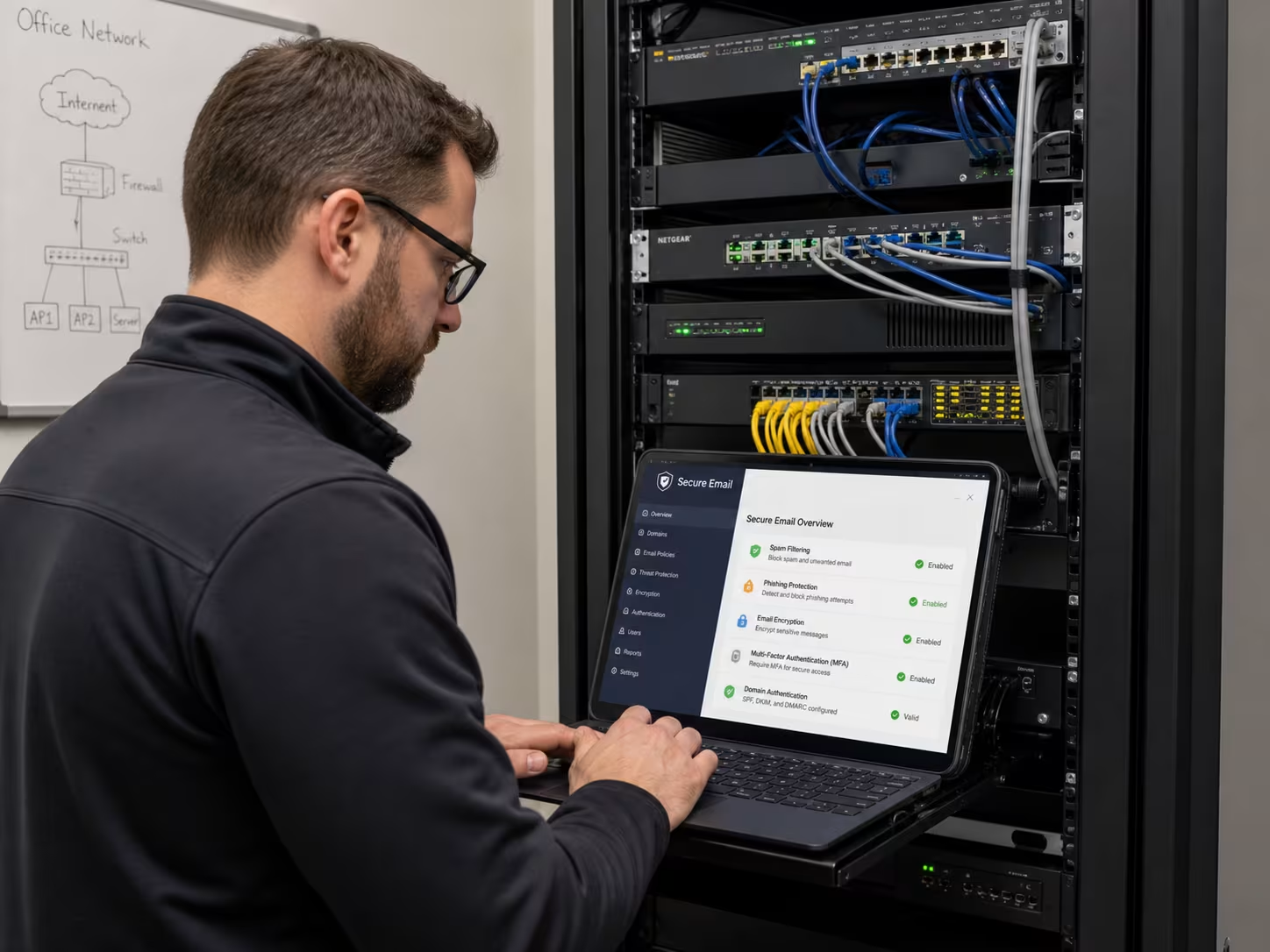
Are you a business with 15-200 employees looking to strengthen your email security? As your company grows, keeping up with advanced email protection and the latest threats can be tough. We understand the challenges of managing sensitive data and staying compliant while supporting your team’s productivity.
Our team at Guru Consult specializes in reliable email security solutions tailored for growing businesses. We help you assess risks, implement the right security measures, and provide ongoing support. Contact us to learn how we can protect your email accounts, enhance your security posture, and give you peace of mind.
Small businesses often face email attacks like phishing, spam email, and malicious email attachments. These threats can lead to data breaches or loss of sensitive data if not managed properly. Using advanced email protection and training employees on security awareness can help reduce these risks.
To protect your email communication, set up strong security measures and monitor email traffic for unusual activity. Regular updates and reliable email security services can further strengthen your defenses.
Phishing attacks try to trick users into sharing passwords or clicking on harmful links. To prevent this, use multi-factor authentication and educate your team about common phishing tactics. Secure your email with tools that scan for suspicious email content and block dangerous messages before they reach your inbox.
Regular security awareness training and clear reporting procedures make it easier for employees to spot and avoid phishing attempts. This helps keep your email system safe from compromise.
Email security services offer features like real-time threat detection, email encryption, and automated backups. These services help protect email data and prevent unauthorized access to your email accounts. They also make it easier to manage security policies and respond to threats quickly.
With professional support, your security teams can focus on bigger risks instead of routine tasks. This improves your overall security posture and reduces the chance of business email compromise.
Start by assessing your business needs and the types of email you use. Look for solutions that offer advanced email protection, easy integration, and support for cloud email security. Consider features like spam filtering, email gateways, and automated monitoring.
Compare different providers and ask about their experience with businesses similar to yours. The right solution should fit your budget, scale with your growth, and keep your sensitive data safe.
To protect email addresses, use strong passwords, enable multi-factor authentication, and set up spam filters. Regularly update your email system and educate users about the risks of clicking unknown links or downloading attachments.
Advanced email protection can block malicious software before it reaches your inbox. Monitoring email traffic and content helps you spot and stop threats early, keeping your data secure.
Security awareness helps employees recognize email threats and respond correctly. Training your team on the latest scams and attack methods reduces the risk of falling for phishing or business email compromise schemes.
When everyone understands the importance of email security, your business is better protected. Ongoing education and clear communication ensure your security measures stay effective as threats evolve.

Jason Huebner is the President of GURU and an eleven-year veteran of the company, having risen through the ranks by consistently delivering results and building strong relationships.
Reliable IT support for businesses with 15+ employees across Rockville and the DMV, guided by experts who actually know their stuff.
Enjoy your first month free with zero onboarding fees.